[INTERNAL] Installing the macOS 10.15 Catalina Patch for IDL 8.7.2 or ENVI 5.5.2
Anonym
FIXME
II. Install the 64-bit Applescript Catalina Patch:
NOTE: If you see “no” symbols shutting out your ability to access ENVI or IDL shortcuts within Finder:
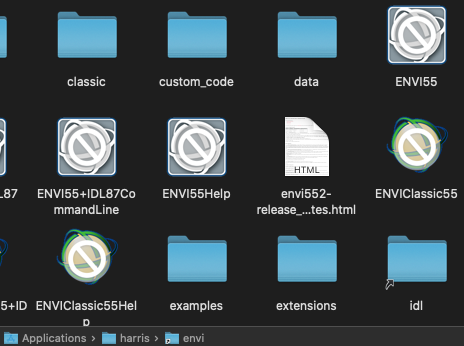
or if you double click on the LicenseAdministrator.app and receive the ‘“LicenseAdministrator” needs to be updated’ warning
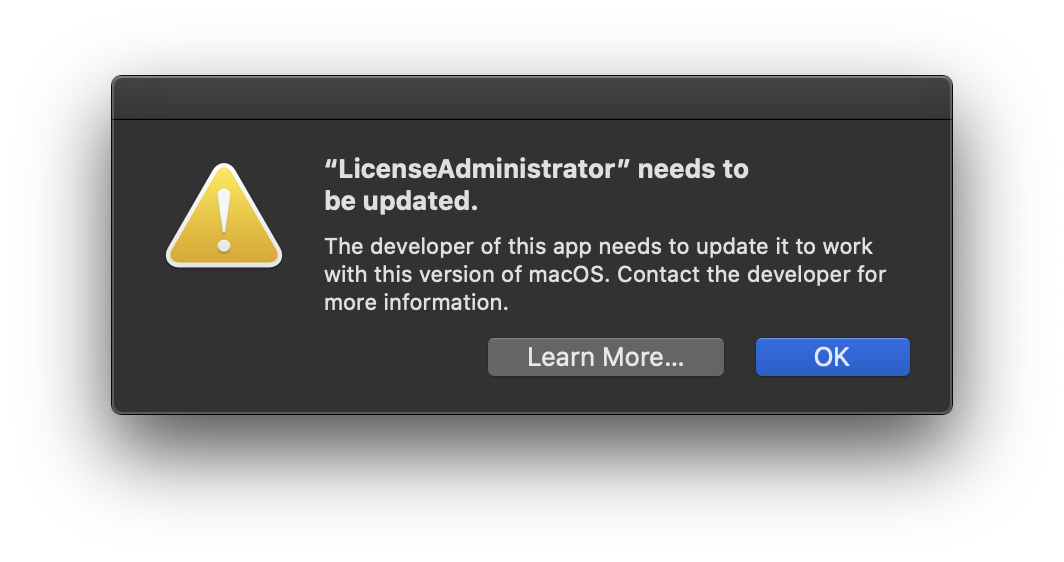
chances are this is because you have not installed our 64-bit Applescript patch. As MacOS Catalina requires all Applescripts to be 64-bit, which is what enables you to click on ENVI/IDL icons within Finder, you will be unable to launch ENVI/IDL. Our patch enables 64-bit Applescripts. Please contact support@l3harris.com for access to the patch. The patch requires installation from Terminal.
- Install the patch to a temporary directory, such as
/Downloads
- Launch a Terminal window, and change directories to the temporary directory, for example:
cd /Users/joeuser/Downloads/
NOTE: You may be prompted with a request for Terminal to access files in your Downloads folder
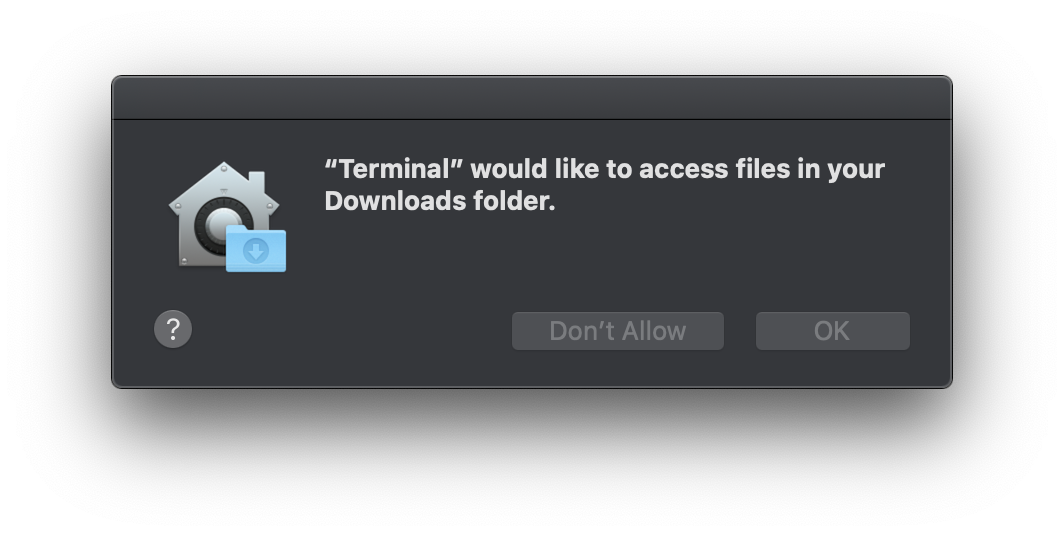
Click OK to allow this.
- Unpack the archive. First uncompress the file by entering:
gunzip idl87x_envi55x_mac_hotfix_10_08_2019.tar.gz
- Next, untar and extract the file:
tar -xf idl87x_envi55x_mac_hotfix_10_08_2019.tar
NOTE: tar xf will also work in zsh as well as -xf
- Execute the installation program by entering the following command.
./install_envi55x_idl87x_hotfix
- You will be prompted to enter the path to your installation of ENVI/IDL. Do this and hit enter.
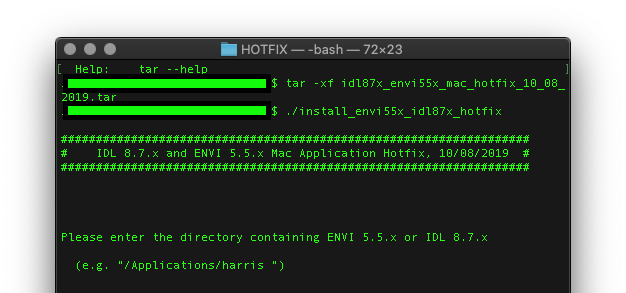
- If you receive an output indicating insufficient permissions on that directory, such as the default /Applications directory,
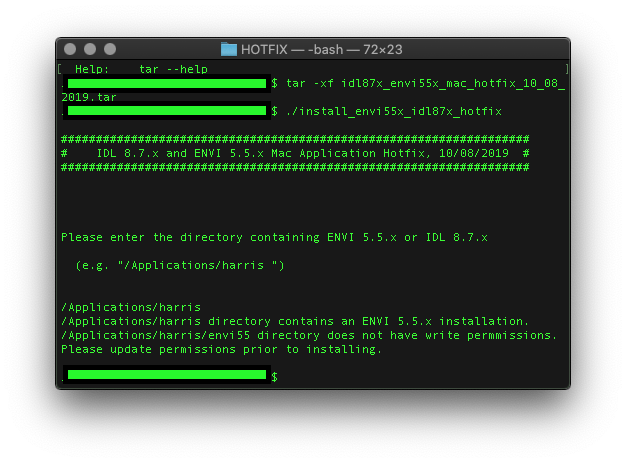
re-run the command using the sudo command:
sudo ./install_envi55x_idl87x_hotfix
- You may receive a pop up where Terminal is requesting access to files in your folder - Select OK:
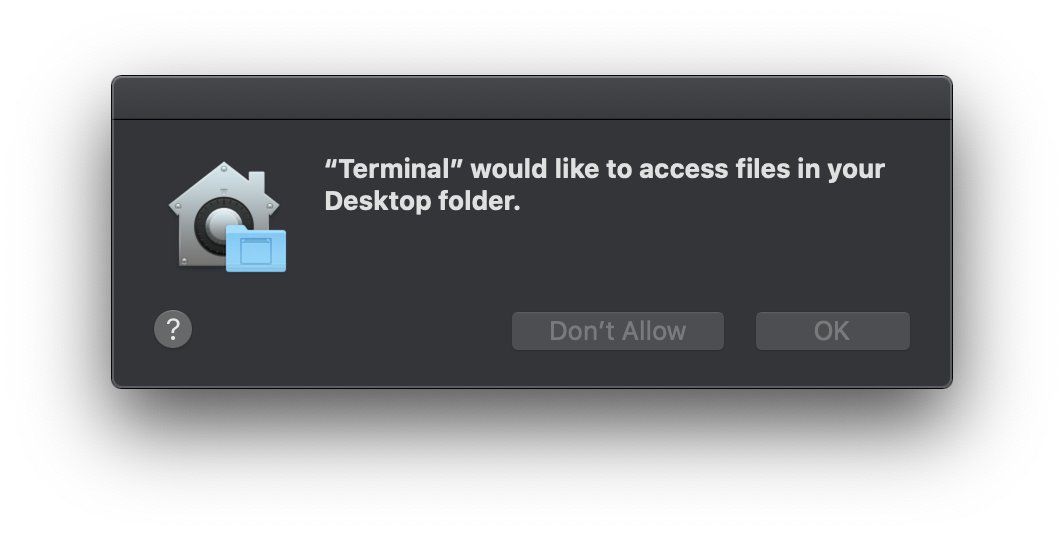
- You will be prompted to enter your password, and then enter in the path to the ENVI/IDL product:
/Applications/harris
- Terminal output will indicate if the installation was successful. If it was not, contact support@l3harris.com.
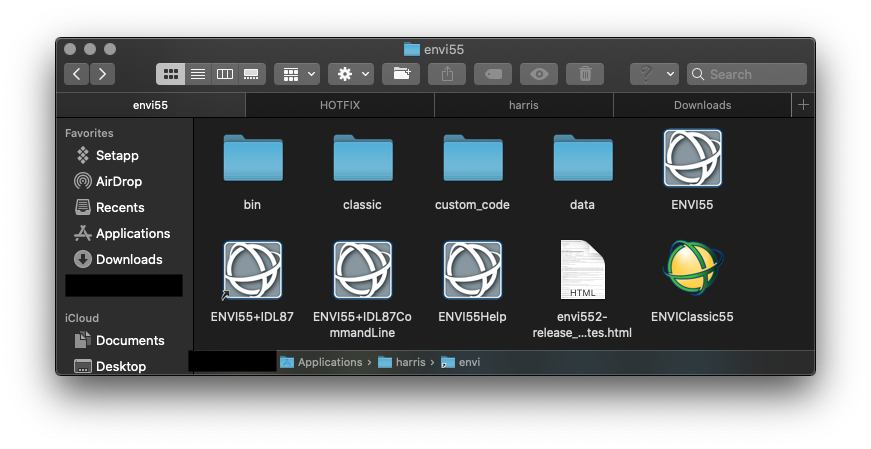
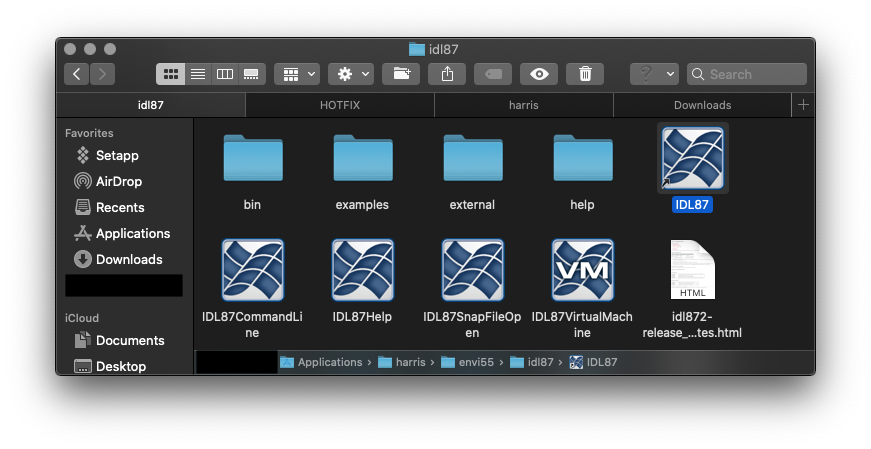
- Close Terminal and open Finder. Navigate to where ENVI/IDL is located. You will see the "no" symbols are no longer present over ENVI/IDL shortcut icons:
III. Installing Legacy Java 6 SE Runtime